
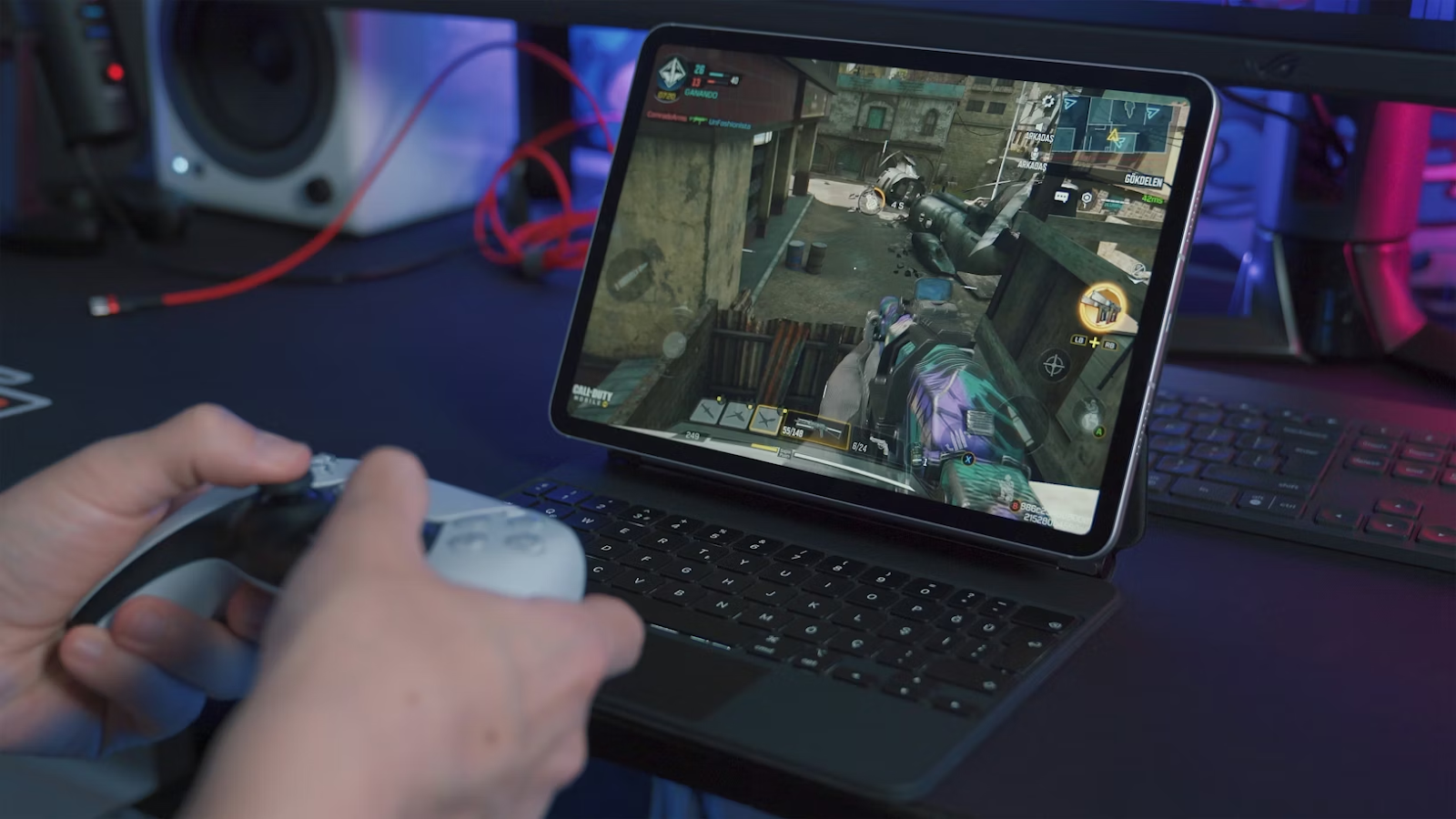
Selecting a gaming laptop requires careful evaluation to ensure an optimal experience. The performance, usability, and longevity of a gaming laptop largely depend on its core components, display, cooling, and overall design. Understanding these elements allows gamers to make informed decisions tailored to their needs.
Graphics Processing Unit (GPU)
The GPU is the cornerstone of any gaming laptop, responsible for rendering visuals and delivering smooth frame rates. High-performance GPUs, such as NVIDIA’s GeForce RTX series or AMD’s Radeon RX series, enable sharper graphics and fluid gameplay, particularly for demanding AAA titles. Mid-range GPUs are suitable for casual gaming or less intensive applications, offering adequate performance without inflating costs. The choice of GPU should align with the type of games and visual fidelity expected, ensuring that graphical performance meets user requirements.
Central Processing Unit (CPU)
The CPU serves as the brain of the laptop, managing instructions and ensuring efficient processing. Modern gaming laptops commonly feature Intel Core i5, i7, or i9 processors, or AMD Ryzen 5, 7, or 9 variants. Higher-tier processors with multiple cores and elevated clock speeds facilitate superior multitasking and handle CPU-intensive games or multimedia tasks effectively. Gamers prioritising performance in complex applications should invest in a robust CPU, as it directly impacts loading times, in-game responsiveness, and overall system efficiency.
Memory (RAM)
RAM plays a crucial role in maintaining smooth performance during gameplay and multitasking. A minimum of 16GB is recommended for most gaming scenarios, while 8GB may suffice for lighter games or casual use. Greater memory capacity allows laptops to handle resource-heavy applications and ensures seamless gameplay, especially in open-world or simulation titles. Expandable RAM options provide flexibility for future upgrades, allowing users to extend performance without replacing the entire system.
Storage: SSD vs HDD
Storage significantly influences speed and responsiveness. Solid State Drives (SSDs) outperform Hard Disc Drives (HDDs) by offering faster game load times, quicker application launches, and accelerated system boot-up. Many gaming laptops pair an SSD for operating systems and frequently played games with an HDD for additional storage, providing an efficient balance of performance and capacity. This combination allows users to enjoy the benefits of high-speed performance without compromising on storage space.
Display and Resolution
The display profoundly affects gaming immersion. Screen size, resolution, and refresh rate all contribute to the visual experience. While Full HD (1920×1080) remains standard, QHD (2560×1440) and 4K (3840×2160) screens deliver enhanced clarity and detail. Refresh rates, typically ranging from 60Hz to 144Hz, influence smoothness in fast-paced games, reducing motion blur and enhancing responsiveness. Gamers must consider portability and desk space when choosing larger screens, balancing immersion with practicality.
Cooling System
Effective thermal management is essential to maintain performance and prevent hardware damage. Gaming laptops generate significant heat under load, necessitating advanced cooling systems with multiple fans, heat pipes, and strategically placed vents. Proper cooling prevents thermal throttling, which can reduce performance, and extends component lifespan. Evaluating user reviews and performance benchmarks under sustained loads can provide insight into a model’s thermal efficiency.
Build Quality and Keyboard
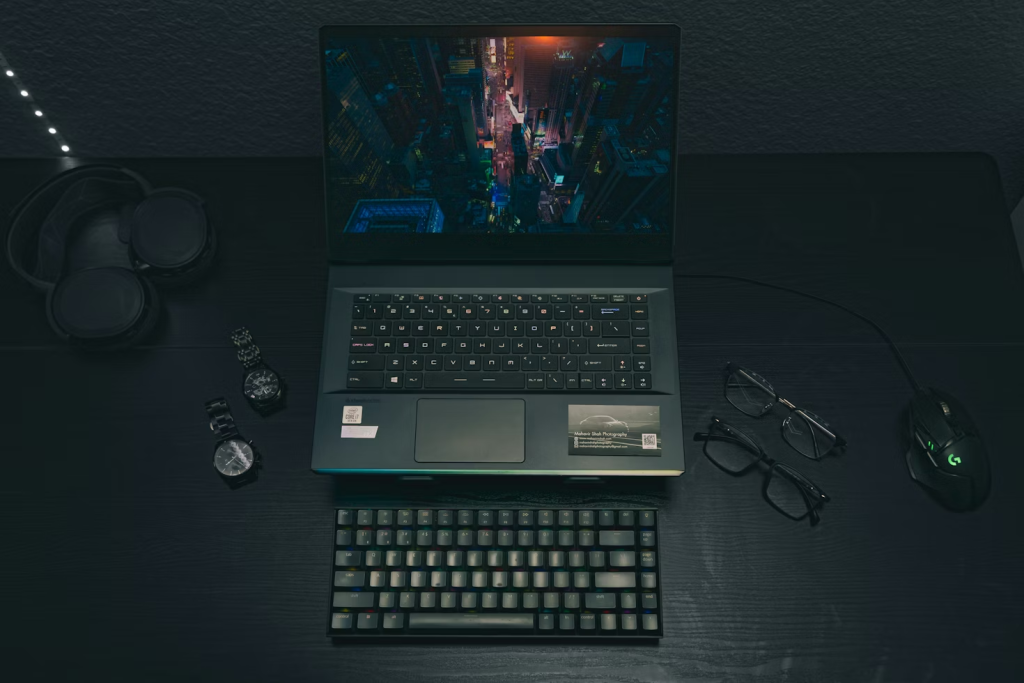
Durability and comfort are closely linked to build quality. Aluminium chassises offer a premium feel and resilience, whereas plastic alternatives may be less robust. The keyboard is particularly important for gaming, with features such as RGB backlighting, key travel, and anti-ghosting enhancing both gameplay and typing efficiency. A well-designed keyboard improves user interaction and can significantly enhance the overall gaming experience.
Connectivity and Ports
Versatile connectivity is increasingly important as gaming accessories proliferate. Essential ports include USB Type-A and Type-C, HDMI, and Ethernet for stable internet connections. Thunderbolt 3 or 4 support enables faster data transfers and connections to external monitors or storage devices. Ensuring a gaming laptop has sufficient and diverse ports accommodates peripherals, controllers, and future expansion needs.
Battery Life
While gaming laptops often have shorter battery lives due to high-performance components, evaluating battery performance under typical usage, such as web browsing or media playback, provides practical insight. Longer battery life enhances portability and convenience, particularly for users who need mobility without constant access to mains power.
Audio Quality
Sound quality complements visual performance, with clear, undistorted audio enhancing immersion. Built-in speakers with enhancements such as Dolby Atmos can improve the gaming experience, though many enthusiasts prefer high-quality headphones or external speakers for precision and depth. Immersive audio supports spatial awareness in games, which can be critical in competitive scenarios.
Weight and Portability
Gaming laptops are typically heavier due to powerful components and cooling systems. However, technological advancements have produced slimmer, lighter models without sacrificing performance. Users who travel or game on the move should consider models that balance power with portability, ensuring that the laptop is manageable while retaining its gaming capabilities.
Brand Reputation and Warranty
Selecting a reputable brand ensures reliable customer support and warranty coverage. A comprehensive warranty safeguards against potential hardware failures, providing peace of mind and protection for the investment. Brands with strong reputations often offer faster, more effective support for troubleshooting and repairs.
Conclusion
Choosing the right gaming laptop involves careful consideration of performance components, display quality, cooling solutions, and overall design. Each factor contributes to an optimal experience tailored to individual needs. By understanding and prioritising these elements, users can confidently navigate the market, securing a laptop that satisfies current gaming demands while remaining adaptable for future requirements.